A channel brings together in one place the media on a single topic — for example on a subject, an event or a series of lectures. With the Channels item in the main menu we open the overview of all the channels on the portal.
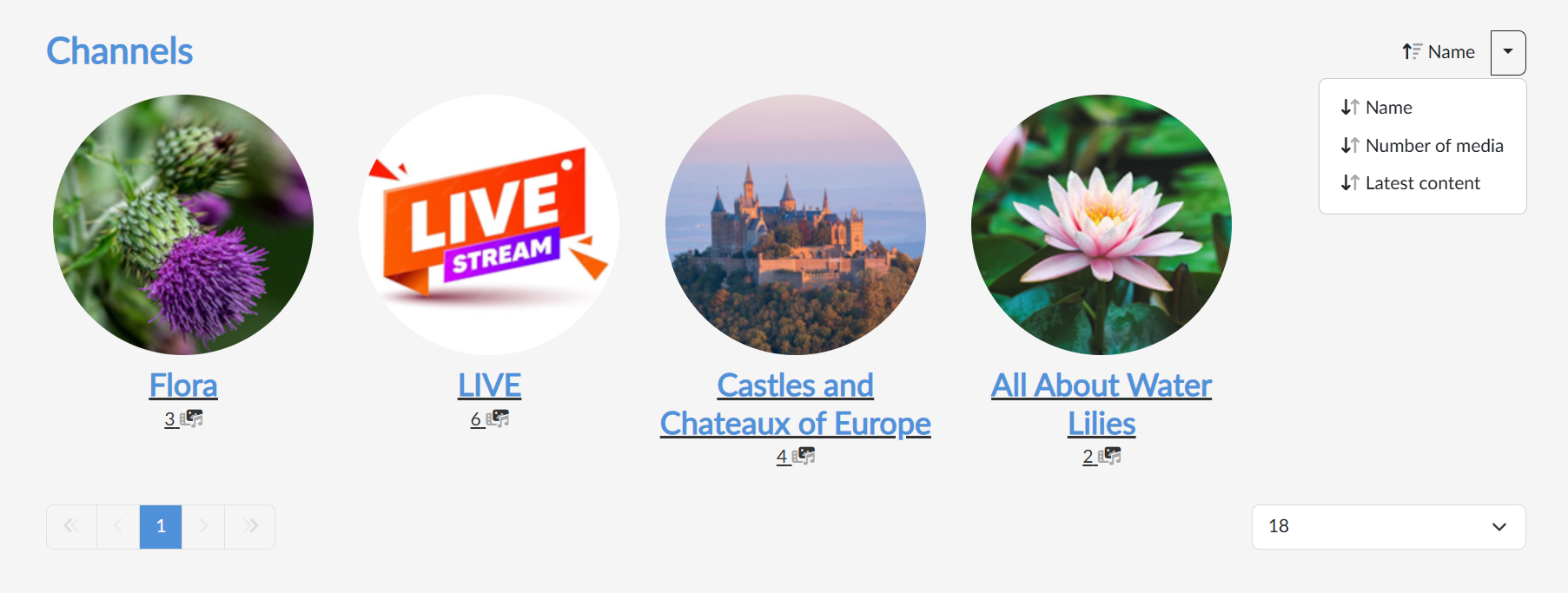
Every channel is represented by a tile with a logo, a name and the number of media that are available on the channel. By clicking the tile we open the channel page, where we find its media and where we can also start subscribing to the channel.
With the button in the top right we switch the sorting — with the arrow next to the button we choose Name (the default, alphabetically), Number of media or Latest content, that is, when a medium was last added to the channel (only processed and published media count, just as in the number of media). Clicking the button itself reverses the direction of the sorting. Below the tiles there is paging and on the right a choice of how many channels are to be shown at once.