Channels that interest us can be subscribed to. The news from them is then shown to us on the Introduction page in the Media from subscribed channels section, and we have all the subscribed channels together in the My subscribed channels item in the main menu.
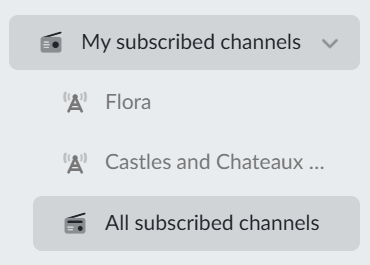
Subscribed channels in the main menu
The My subscribed channels item is not a direct link — clicking it expands it in the menu.
Below it there are the three channels we subscribed to most recently (the newest at the top). By clicking one we go to the channel page.
The last item, All subscribed channels, opens the page with all the channels we subscribe to.
The overview of subscribed channels
The page looks and works the same as the Channels overview, but here we only see the channels we already subscribe to.
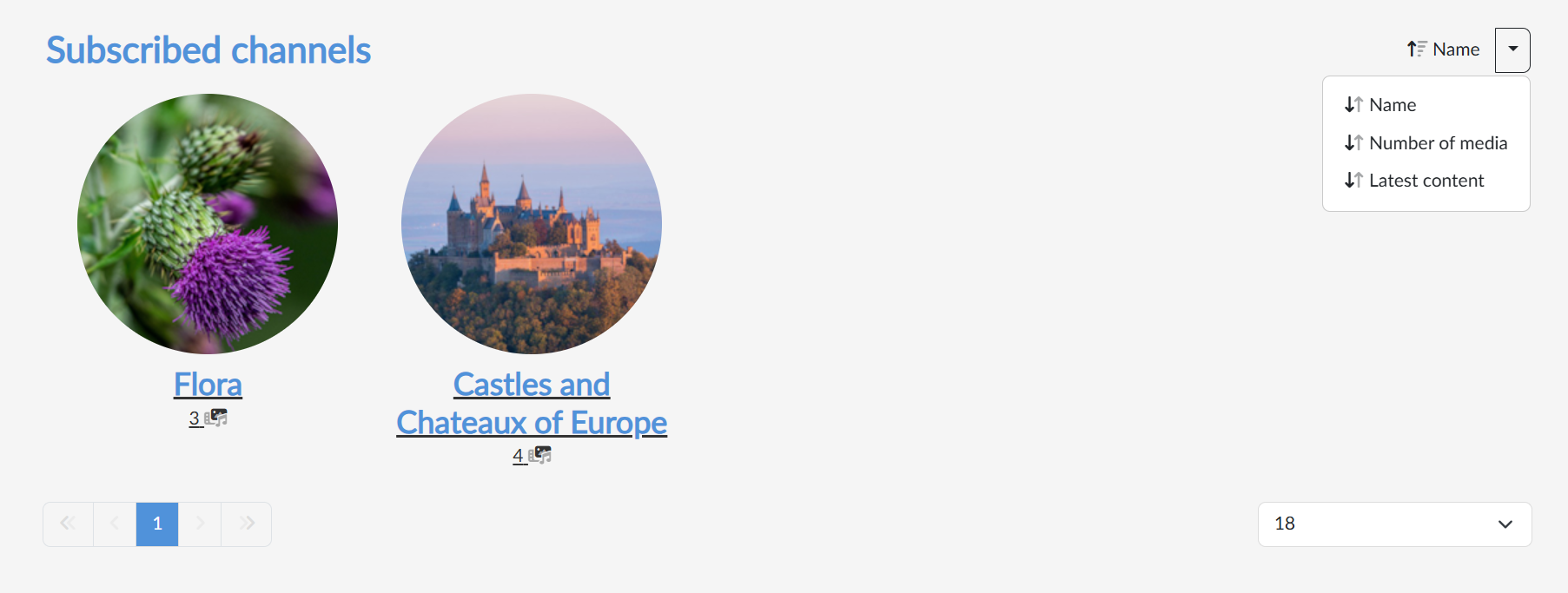
Every channel is represented by a tile with a logo, a name and the number of media, and by clicking it we open the channel page. With the button in the top right we switch the sorting by name, number of media or latest content, and clicking the button itself reverses its direction; below the tiles there is paging.
How to start or stop subscribing to a channel
We switch the subscription on and off on the channel page: with the Subscribe button we add the channel to the subscribed ones, and with the Cancel subscription button, which is then shown in its place, we remove it again.