The map shows media according to the place they relate to — for example where the shooting took place or which place the medium tells us about. The place is filled in by the author of the medium, so on the map we only find those media where it has been filled in. We open the map with the Map item in the main menu.
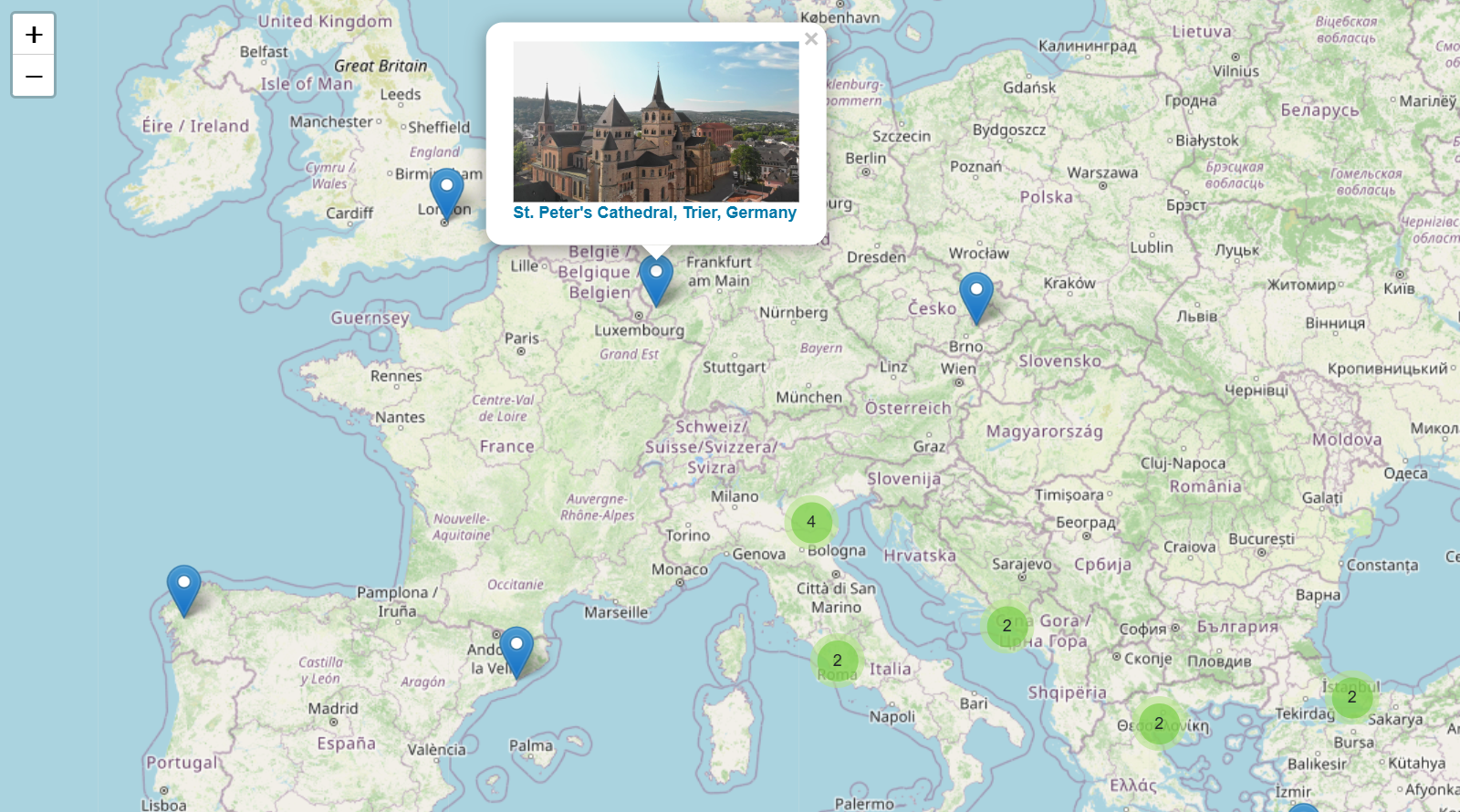
How to work with the map
When it opens, the map sets itself so that all the media are visible on it. From there we move around the map by dragging with the mouse and we zoom in with the mouse wheel or with the + and − buttons in the top left corner. Where there are several media close to each other, the map joins them into a circle with a number that gives their count; by clicking the circle we zoom in on that place and the media split up into smaller groups or into individual pins.
By clicking a pin we show the preview and the name of the medium. By clicking the preview or the name we open the medium and can play it.