The overview lists the media, playlists and streams that are allowed to be played on one of the external servers. We use it to check everything that is available on a given website — for example before deleting a server or changing its domain. We open it with the Media overview button in the list of external servers; we go back with the back to external servers button.
Filters
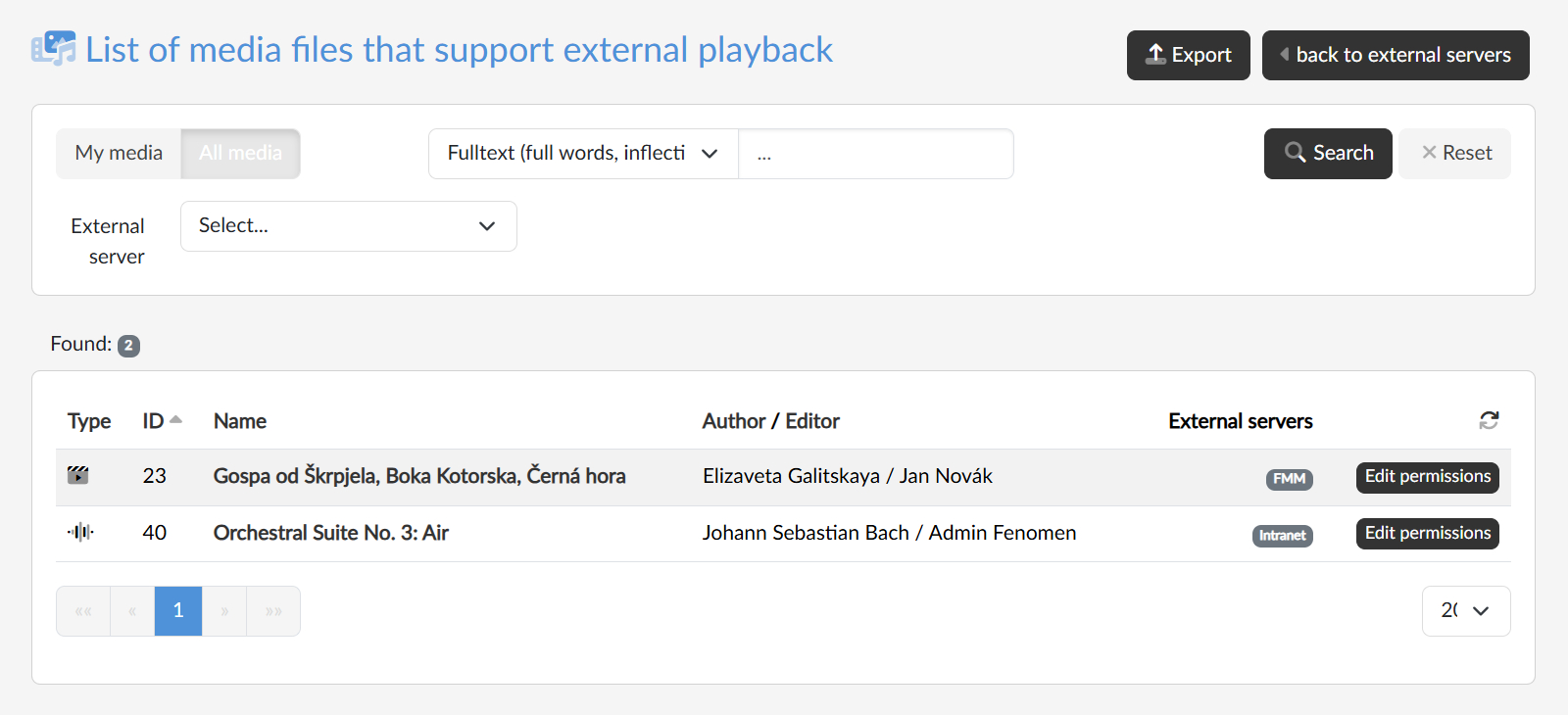
With the My media / All media switch we choose whether we are interested only in our own records or in the whole portal. We narrow the list further by selecting a specific external server and by searching in the text; in the drop-down list before the field we choose where to search. The Reset button returns the filters to their default state.
The list
The table shows the type of record (video, audio, playlist, stream), the ID, name, author and editor, and the external servers on which playing is allowed. The name of a media file that is ready to play is a link to its page on the portal. With the Edit permissions button we go to the Publishing and security tab of the media file, where we add or remove servers.
With the Export button at the top right we download the currently filtered list as an Excel file.