Tags are free keywords that authors use to describe media in the descriptive data and by which viewers search for media. Unlike criteria, they have no fixed code list — when describing a media file, the author can also enter a new tag. In this agenda we therefore mainly maintain the vocabulary of tags: we correct typos, delete unused ones and can prepare tags in advance. We open it from the menu with Portal administration → Tags.
The list of tags
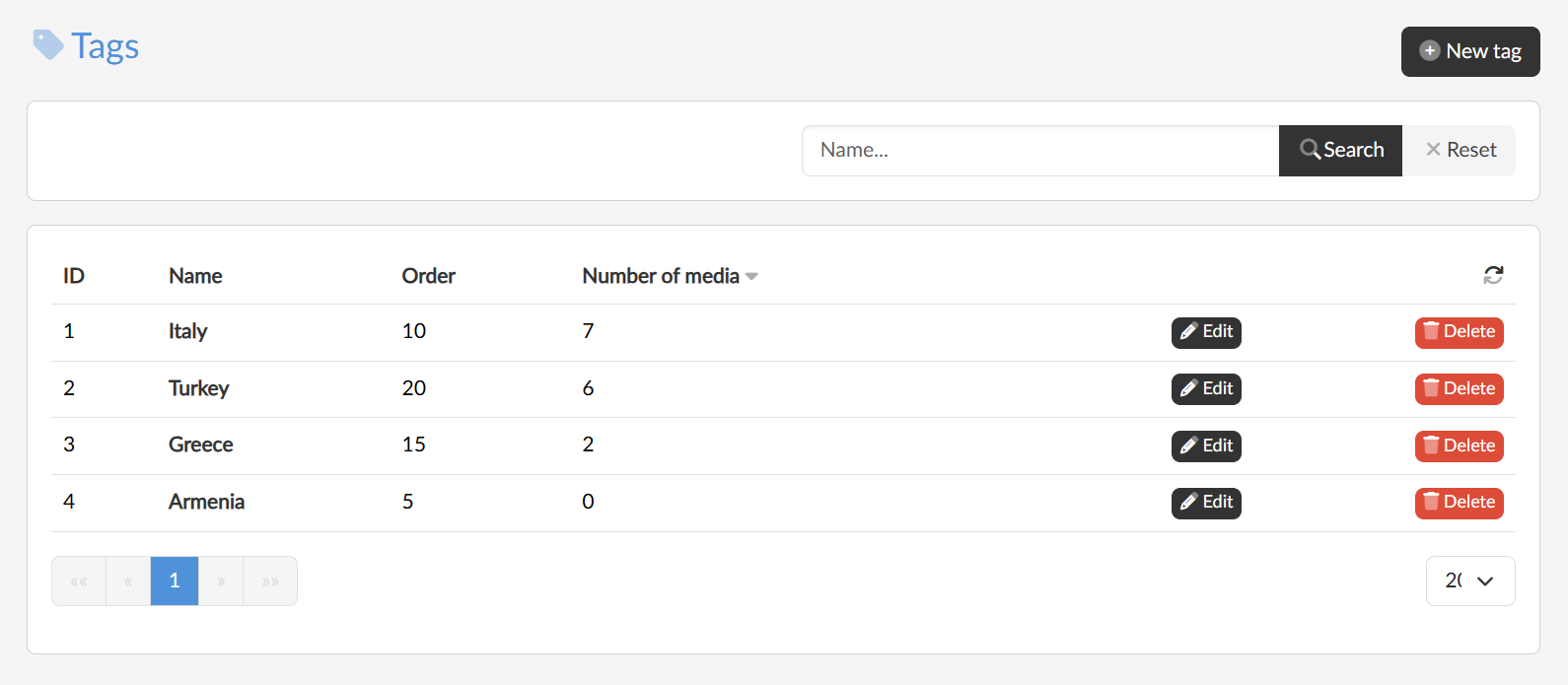
The table shows the ID, name, order and the number of media that use the tag. We search for a tag by name, and clicking a column header sorts the list — sorting by the number of media quickly shows both the unused tags and the most frequent ones.
Creating, editing and deleting
With the New tag button we create a tag by entering its name and order. Clicking the name or the Edit button lets us change both; renaming shows in all the media that have the tag. With the Delete button we remove the tag after confirmation.