In this agenda we manage the public templates of descriptive data — prepared sets of descriptive details shared by the whole portal. Authors find them in the Apply template offers in the Public templates group, next to their own templates, which they create themselves. We open the agenda from the menu with Portal administration → Descriptive data templates.
The agenda looks and works the same way as Descriptive data templates in Content management — that article describes the template form, the places where templates are used and the dynamic substitutions (tokens). Here we only describe how the administration of public templates differs.
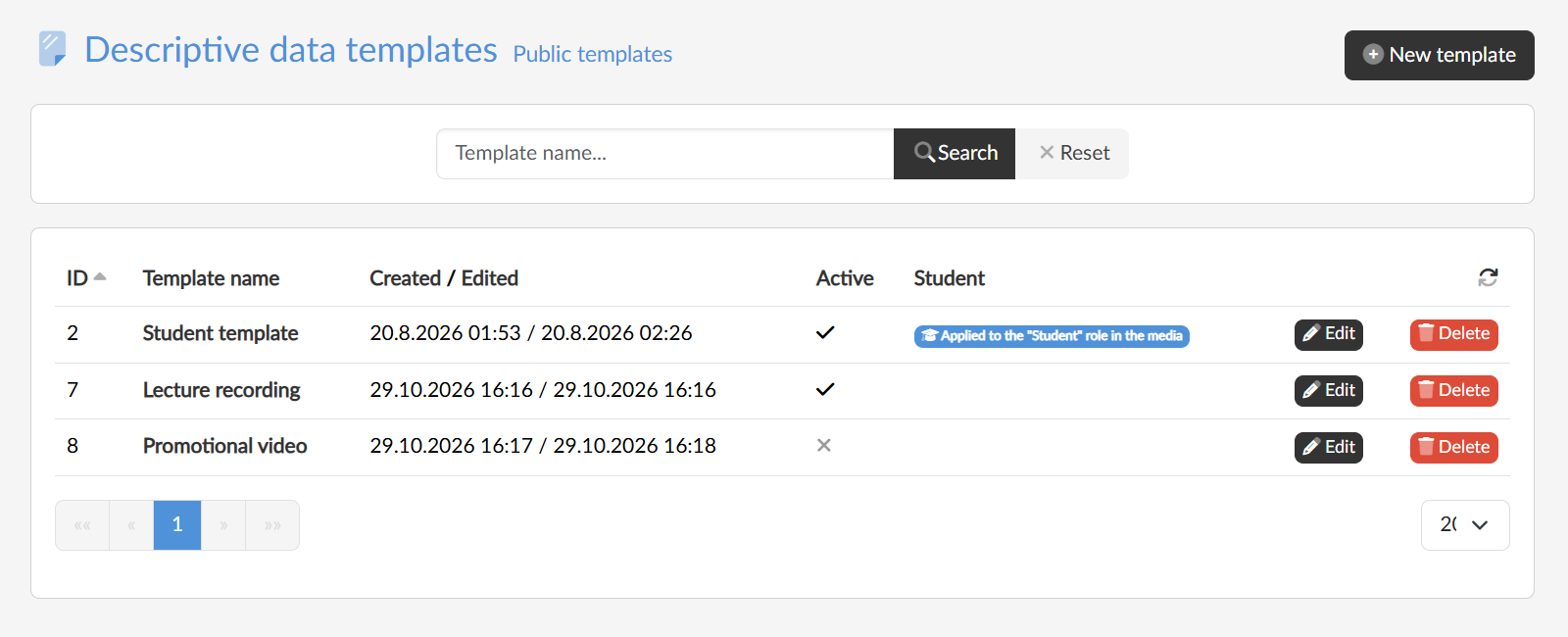
Public templates
Every template created in this agenda is public, that is, available to all the authors of the portal. In the list we see all of them, regardless of which administrator created them. With the Active checkbox in the template form we decide whether it is offered to authors; an inactive template stays only in the list.
The template for students
The template form has an extra checkbox, Applied to the "Student" role in the media. A template marked in this way is forced on students during upload: the student does not choose a template, and their new media are pre-filled with exactly this one. In the list it is marked with a badge in the Student column.
At most one template can be marked — ticking the checkbox for another one removes the mark from the previous one.