An IP rule is a named set of IP address ranges — typically the network of a school, a library or a classroom. Authors assign it to a media file in the protected mode, which then plays only for viewers accessing it from these addresses; see Playing from an allowed range of IP addresses. We open the agenda from the menu with Portal administration → IP rules.
The list of rules
The table shows the ID, name, description, whether the rule is allowed, and in the Videos column the number of media it is assigned to. We search by name, and clicking a column header sorts the list.
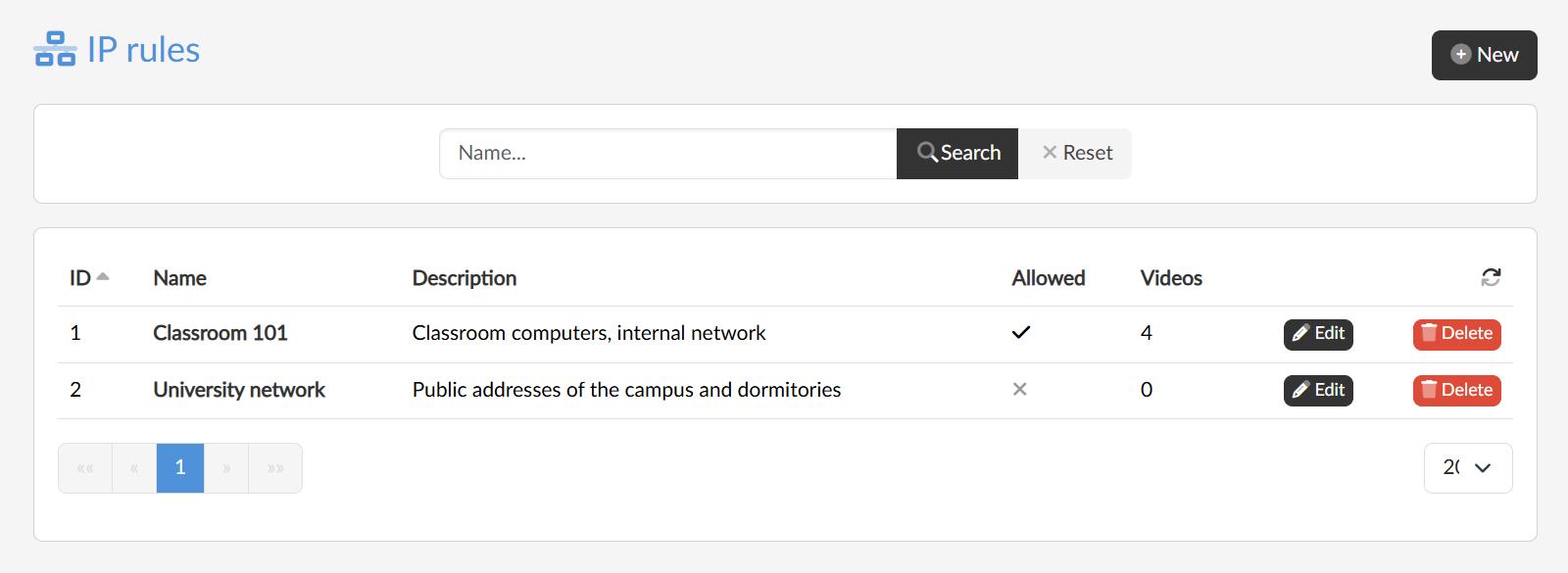
Creating, editing and deleting
With the New button we enter the name of the rule; after confirmation the rule is created and its editing page opens, where we add the address ranges. We open an existing rule by clicking its name or with the Edit button.
With the Delete button we remove the rule after confirmation, including all its links to media.