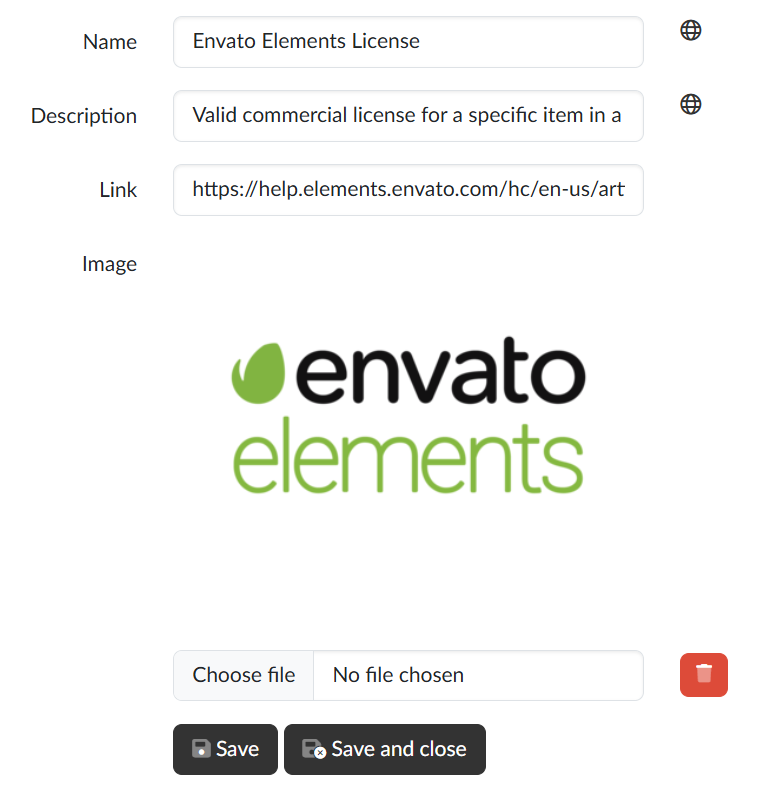
On the Licence editing page we fill in the details of one licence. We open it from the list by clicking the name or with the Edit button; with the Back to list button we return without saving.
Form fields
- Name — the name under which authors see the licence when choosing it and viewers see it for the media file;
- Description — a brief explanation of what the licence allows;
- Link — the address of the page with the full text of the licence;
- Image — the icon or logo of the licence.
With the globe icon  we can translate the name and the description into the other languages of the portal.
Image
We upload the image by selecting a file in the field below the preview; the application accepts only the PNG format. With the bin icon next to the field we remove the image.
Saving
With the Save button we save the changes and stay on the page; with the Save and close button we return to the list after saving.