In the Licences agenda we keep the code list of licences under which content can be published on the portal — for example Creative Commons licences or the institution's own licence terms. Authors choose from it in the descriptive data of a media file, and viewers then see the licence among the information below the player. We open the agenda from the menu with Portal administration → Licences.
The list of licences
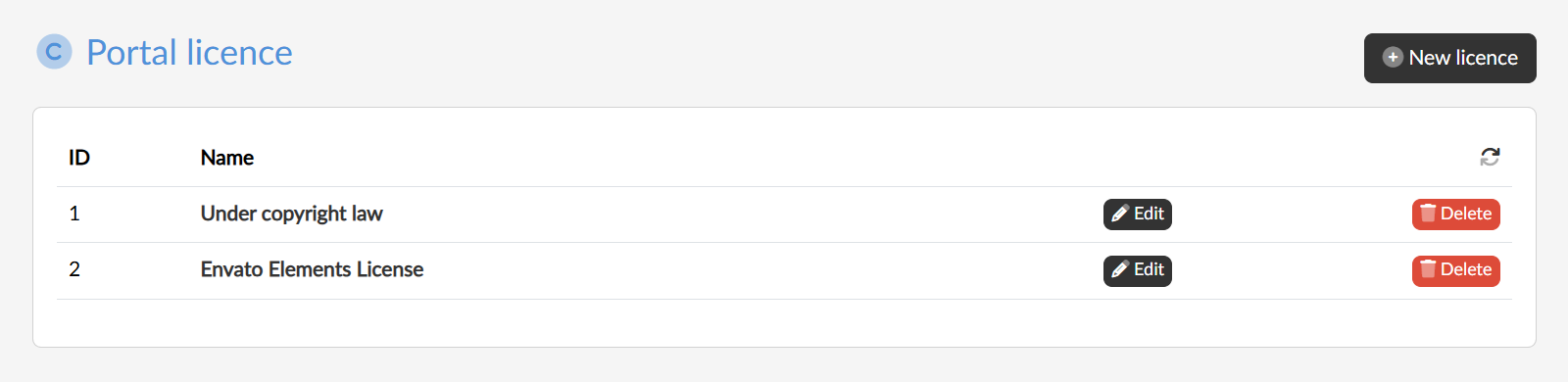
The table lists all the licences of the portal with their ID and name. Clicking the name or the Edit button opens the licence editing page.
Creating and deleting
With the New licence button we enter a name and the licence is added to the list. We then add its description, link and image in the editing.
With the Delete button we remove the licence after confirmation.
⚠ Only a licence that is not assigned to any media file can be deleted — otherwise the application refuses to delete it.