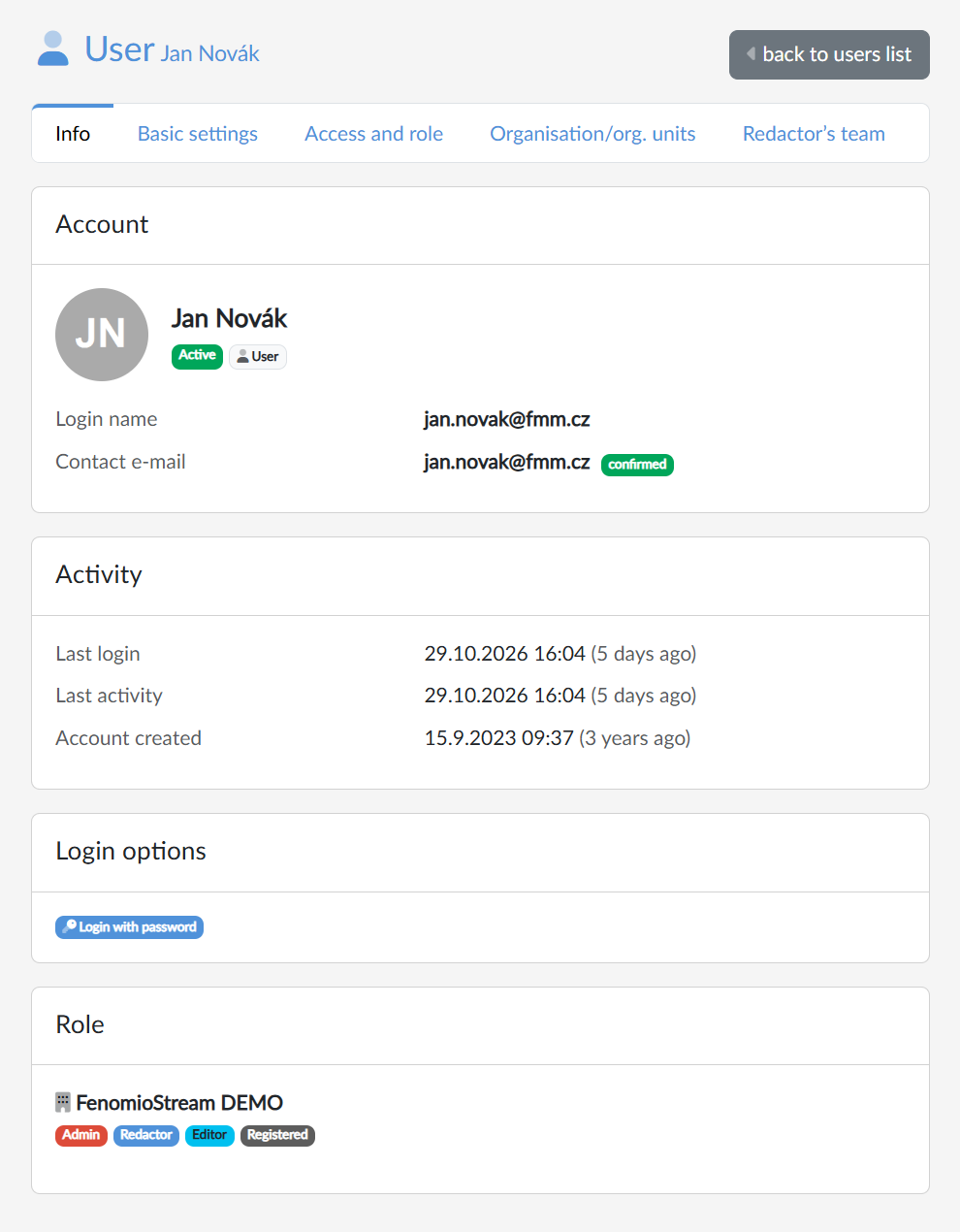
The Info tab is the entry page of the user detail. It summarises the state of the account, how the user logs in and what roles they have on the portal. We open it from the list of users by clicking the login name or with the Edit button.
Below the user's name there is a strip of tabs that takes us to Basic settings, Access and role, Organisation/org. units and, for admins and redactors, also to Redactor’s team. The back to users list button returns us to the list.
Account
Next to the name and the profile picture there are badges with the state of the account:
- Active — the user can log in;
- Blocked or Deleted — the user cannot log in;
- the source of the account — how the account was created: User (manually or by registration), Import, Api, Shibboleth rule, Connector or Robot. Older accounts have no source.
Below them are the login name, the contact e-mail with an indication of whether it is confirmed, and the phone, if filled in. E-mails from the portal may not be delivered to an unconfirmed address. On portals with invitations switched on, the Invitation status is shown here too.
Activity
The card shows the last login, the last activity and the date the account was created, each with the time elapsed since then. For a user who has not logged in yet, it says never.
Login options
The badges show the ways the user can log in: Login with password, Login with Shibboleth (with the identifier below the badges), Google, Microsoft and Facebook. Only those the account has set up are shown.
Role
The card lists the user's roles on our portal as badges — Admin, Redactor, Editor, Student, Registered; if they have none, it says No role. The icon next to the portal name and next to each role tells us where the assignment comes from (the source is shown when we hover over it). We change roles on the Access and role tab.