The branding of a channel makes it possible to distinguish it visually and thus help users remember and find it. On the tab we set two images: the Channel logo and the Introductory image for the channel.
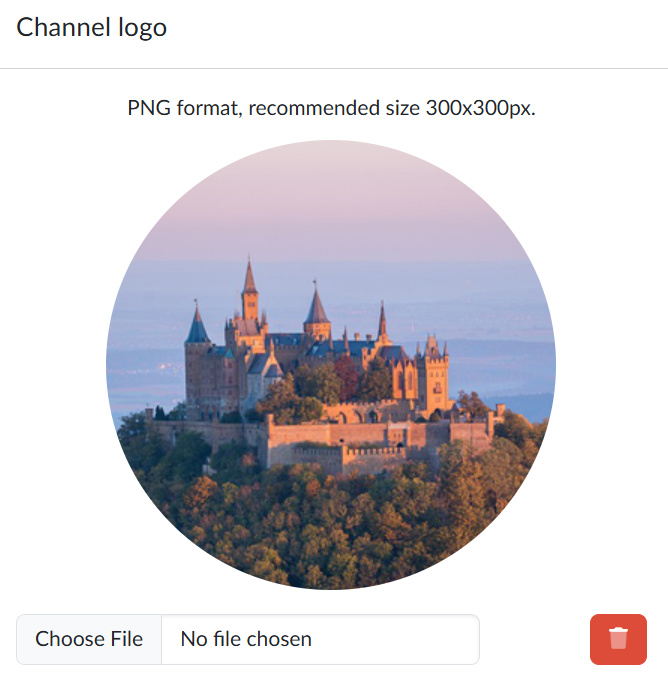
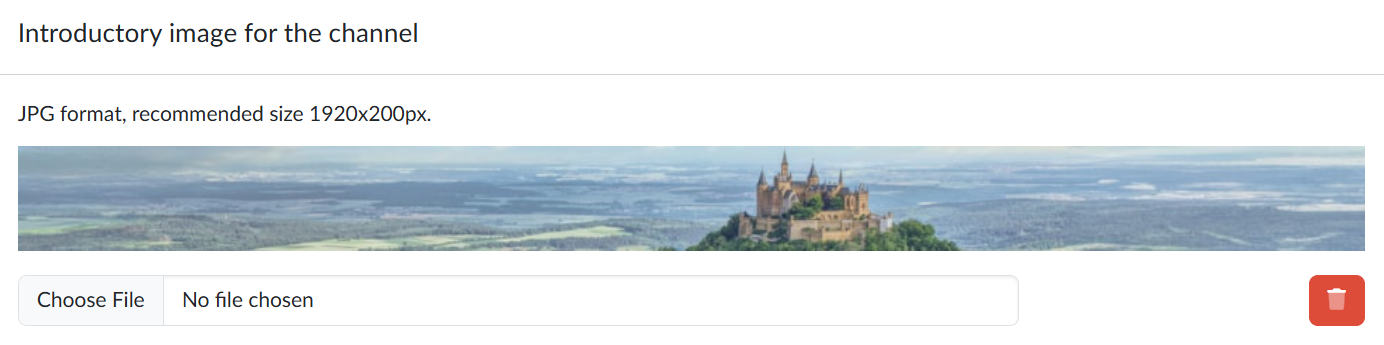
We recommend keeping the recommended format and dimensions of the uploaded images as they are stated directly on the page:
- for the logo PNG with a size of 300×300 px,
- for the introductory image JPG with a size of 1920×200 px.
We choose the image with the file selection button and the portal uploads it straight away and replaces the previous image; the change takes effect immediately. With the bin icon  we remove the uploaded images again.
Where the branding shows
The introductory image forms a strip in the header of the channel page, and the logo appears below it next to the name of the channel. The logo moreover accompanies the channel outside its page as well — in the listing of channels on the portal, in the list of subscribed channels and in the search results. The introductory image is used only on the page of the channel itself.