User lists are a supporting agenda we use for the protection of a media file, specifically for making it available to a defined circle of users. When this type of protection is used, a named list of users is assigned to the media, and that list is managed in this agenda, regardless of the number of users assigned. We open the agenda from the menu with Content administration → User lists.
Only users with a completed permanent registration on the portal can be assigned to a list.
Lists can be created as public and non-public. A public list is available to all users of the portal, a non-public one only to its owner.
The table of lists
In the listing we see our own lists and all the lists marked as public. Above the table there is a field for searching by name with the Search and Reset buttons, and above the listing the number of records found.
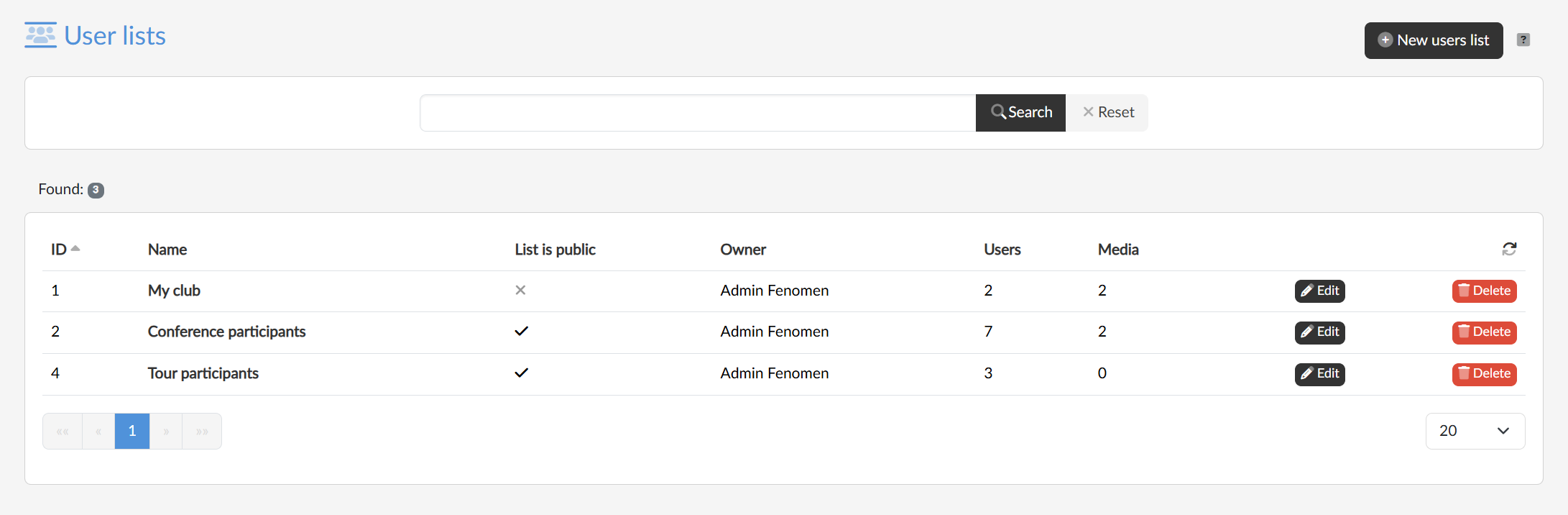
The table shows the ID, the name of the list, whether it is public, its owner, how many users the list contains and how many media it is assigned to. Clicking the name of the list or the Edit button opens its editing, and the Delete button removes the list.
Setting up a list
With the New users list button in the top right we first enter the mandatory name of the list, and after confirming we are redirected to the page of list editing, where we set whether it is public or not and can manage its users.