My team is a group of users whose content we are allowed to manage alongside our own. We find the agenda in the main menu under My team and it is available to users with the Redactor role.
A confirmed team member gives us access to their media, playlists and streams: we see them in Media administration next to our own records and we can edit them as well. The team is therefore useful wherever the content of one workplace is managed by several people and someone is responsible for it.
We see the members in a table together with their ID, login, name and status.
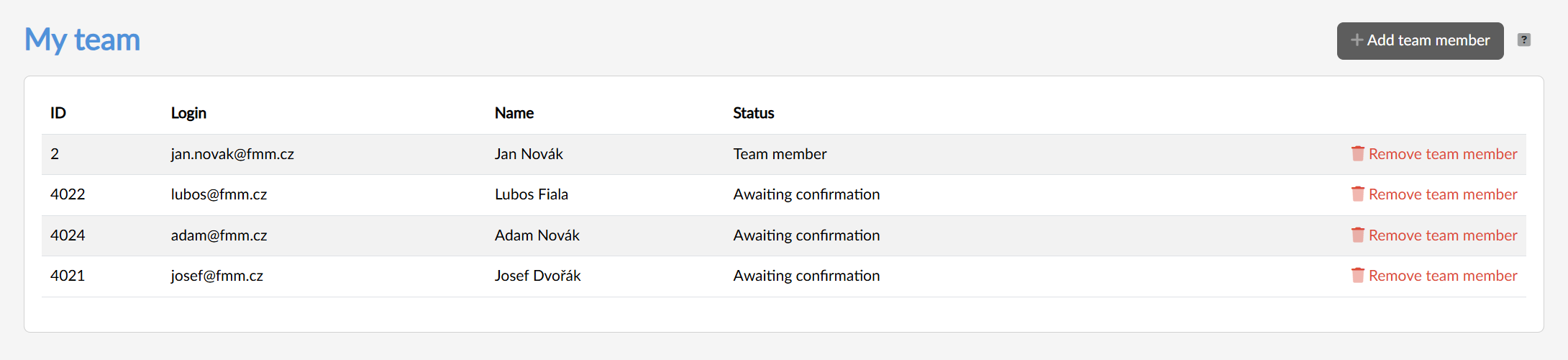
Adding a user to the team
We add a new member with the Add team member button in the top right. The Select users dialog opens, in which we look the user up by their full surname or their exact login (the dialog finds nothing for incomplete details).
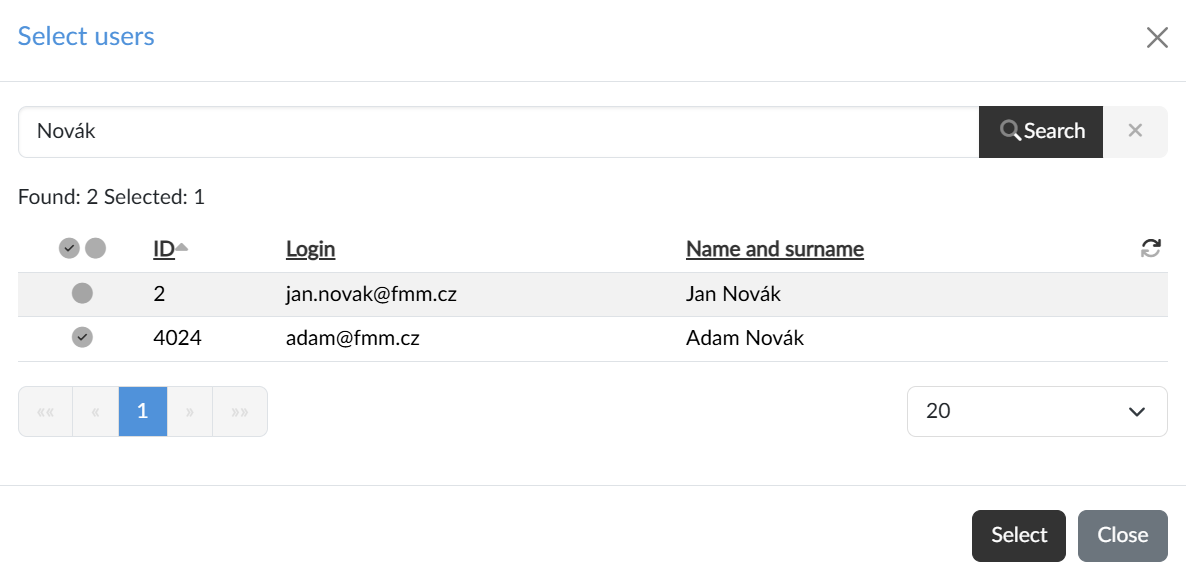
The checkboxes in the listing select individual users, the pair of icons in the header selects or deselects the whole page of results, and the Select button adds them to the team.
The selected users are sent an invitation with a link through which they confirm their consent; until then they are in the table with the status Waiting for confirmation. Once confirmed, the status changes to Team member.
Removing a user
A team member can be removed regardless of whether they have confirmed their consent or not — the Remove team member button at the end of the row serves that purpose; we confirm the removal once more. We immediately lose access to the content of the removed user.
The membership can also be ended by the member themselves, in their profile on the Membership in teams tab with the Leave team button.