On this page we set the conditions under which users will be able to find the given playlist on the portal and/or watch it.
On the left-hand side of the screen we choose from three basic levels of protection:
- Playlist is private
 — visible only for the author/owner
 - Playlist is non-public
 — it cannot be found on the portal, but it can be opened if you know the direct URL
 - Playlist is public
 — it appears in the search and can be played freely, including on third-party websites (embedded player)
The changes are saved immediately, as soon as we switch the option. On the right-hand side of the screen we then see the currently set level of protection.
⚠ Careful — the security of a playlist does not affect the security of the individual media files in it. Each media file has its own publishing and security settings, and these are evaluated separately. A playlist set as public therefore does not mean that its items can be played freely.
Limiting the time period
The setting of a public playlist can be complemented with a limitation of its visibility within a set time period — we find the option on the right-hand side of the screen.
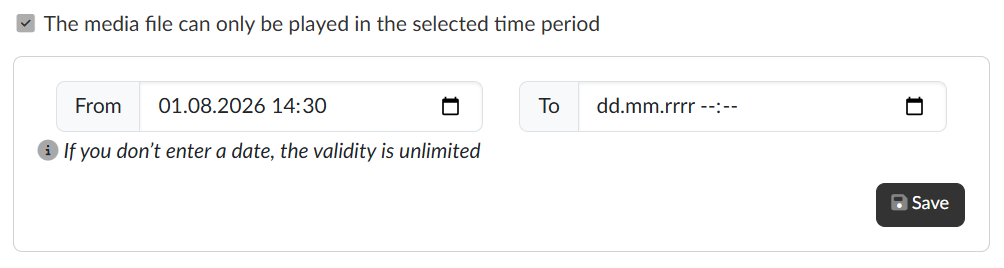
For the time period it applies that a date left empty means unlimited validity, so we can enter only the beginning, only the end, or both. Once we have the time period set, we save it with the Save button.
⚠ The time period option is offered only for a playlist in the public mode. For a private and a non-public playlist it is not shown on the right-hand side of the screen.